Everything it does. All of it free.
Six jobs, one shortcut. No account, no plan to upgrade to, and your tabs stay on your computer.
Coming soon for Chrome
Free. No registration, no card, no subscription.
TabOverview runs in Chrome on a computer. Send yourself the link for later.
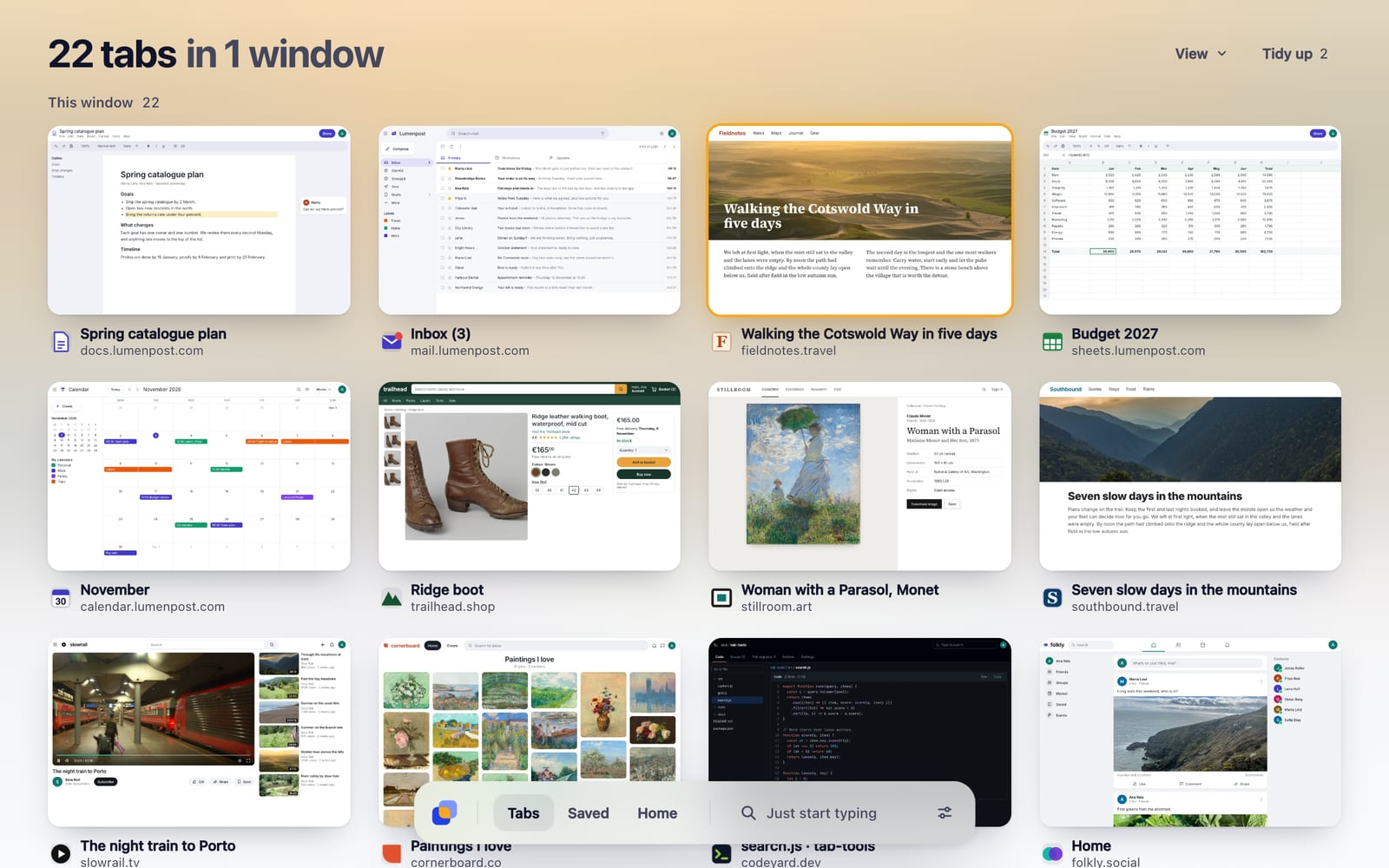
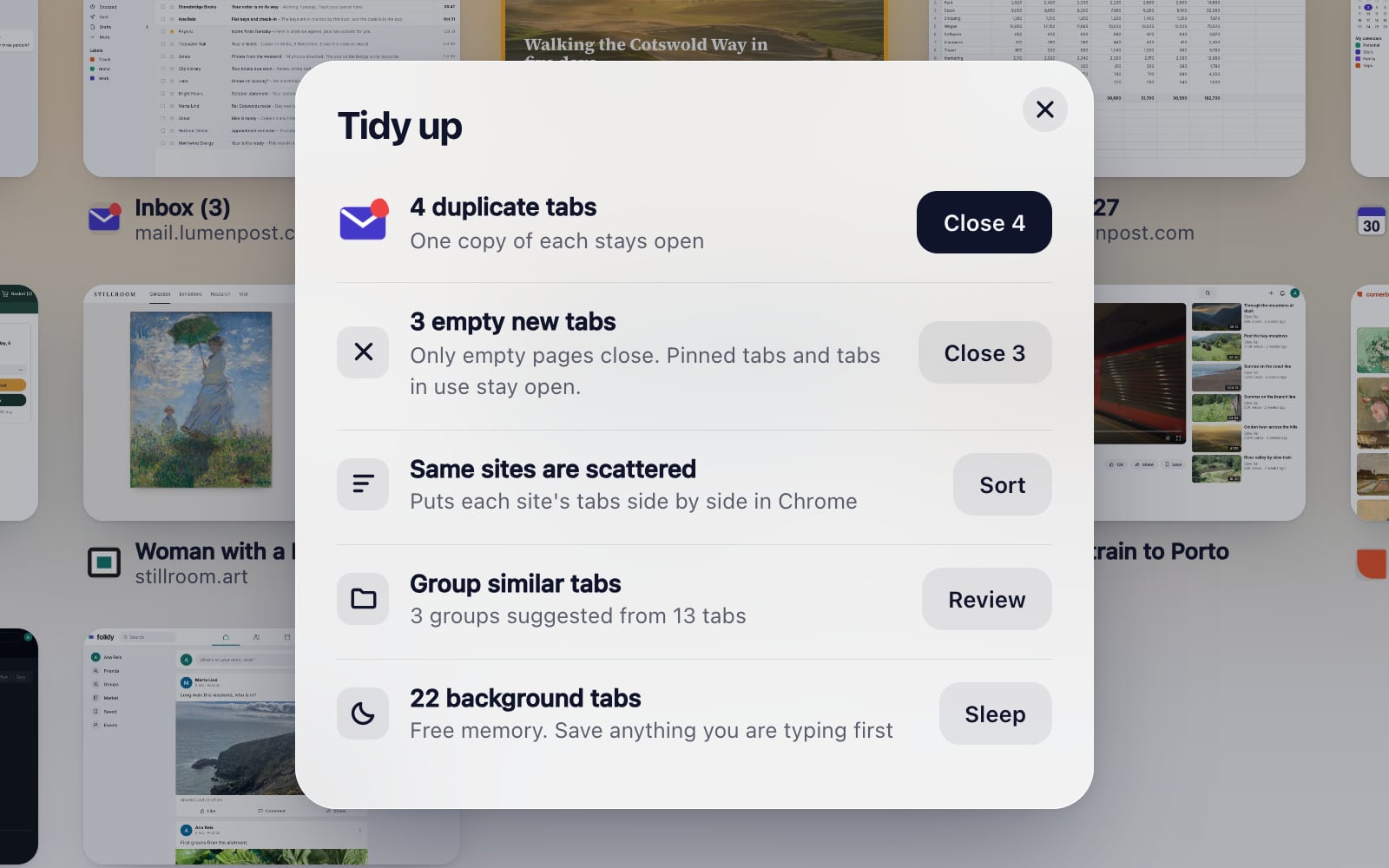

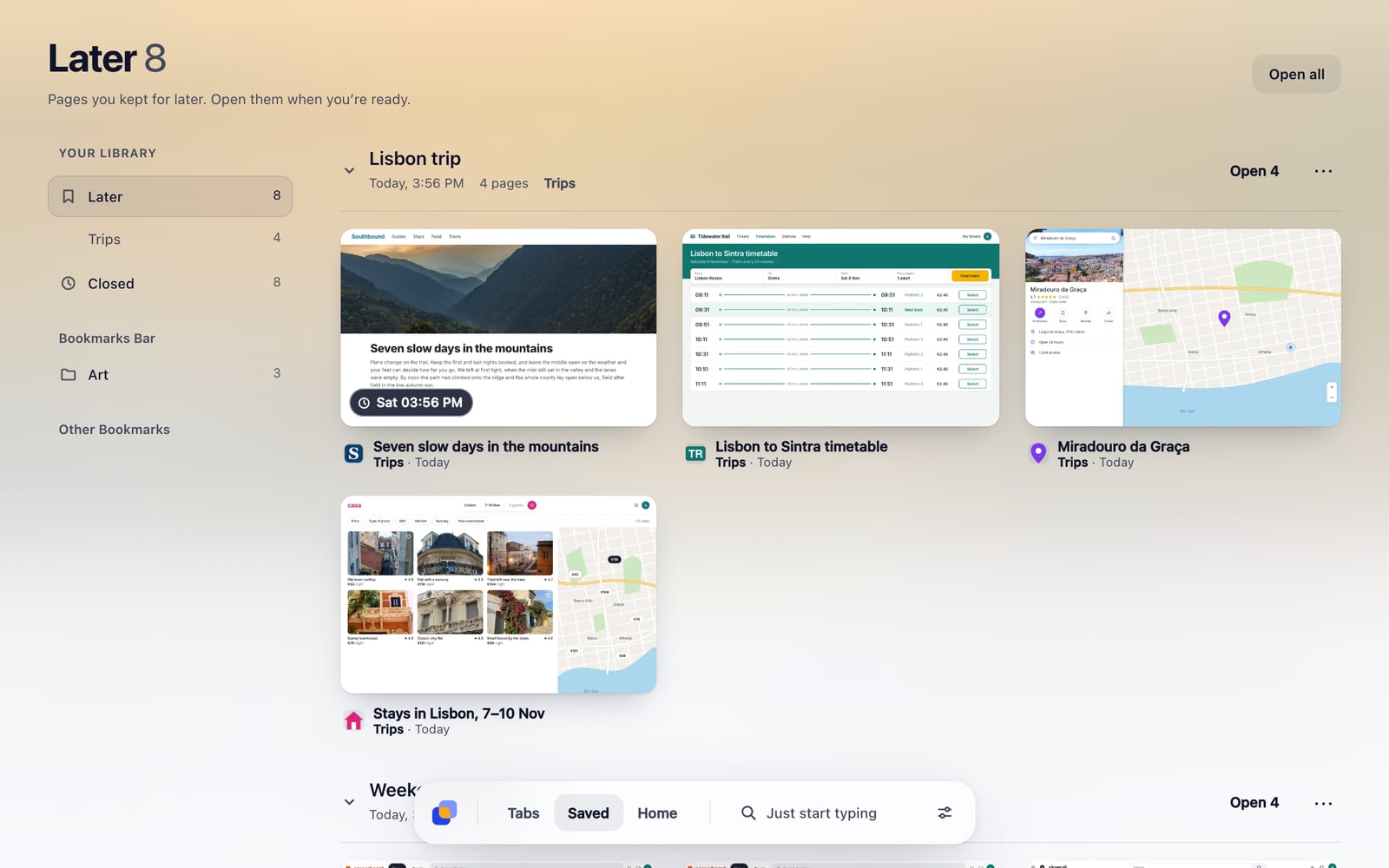
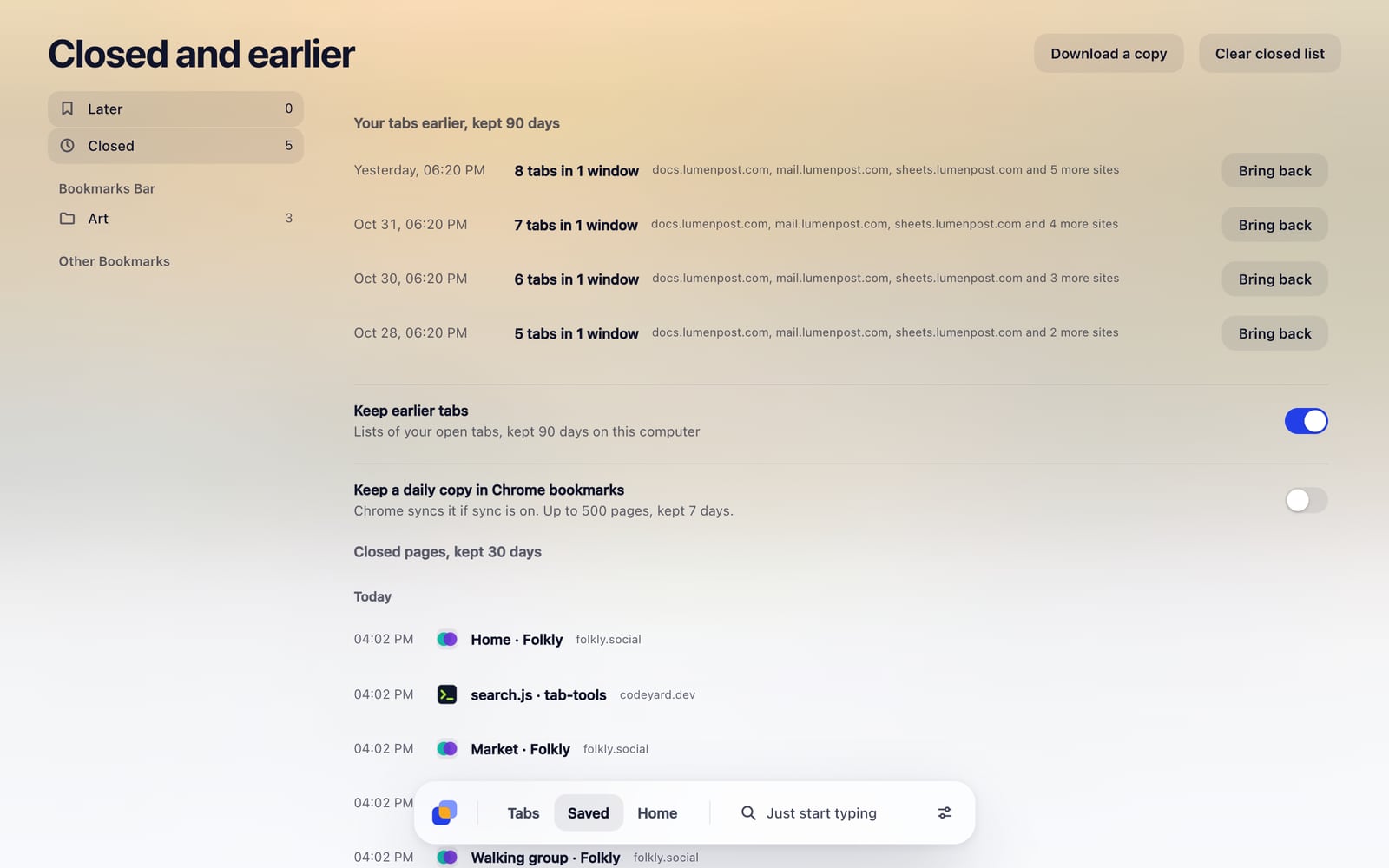
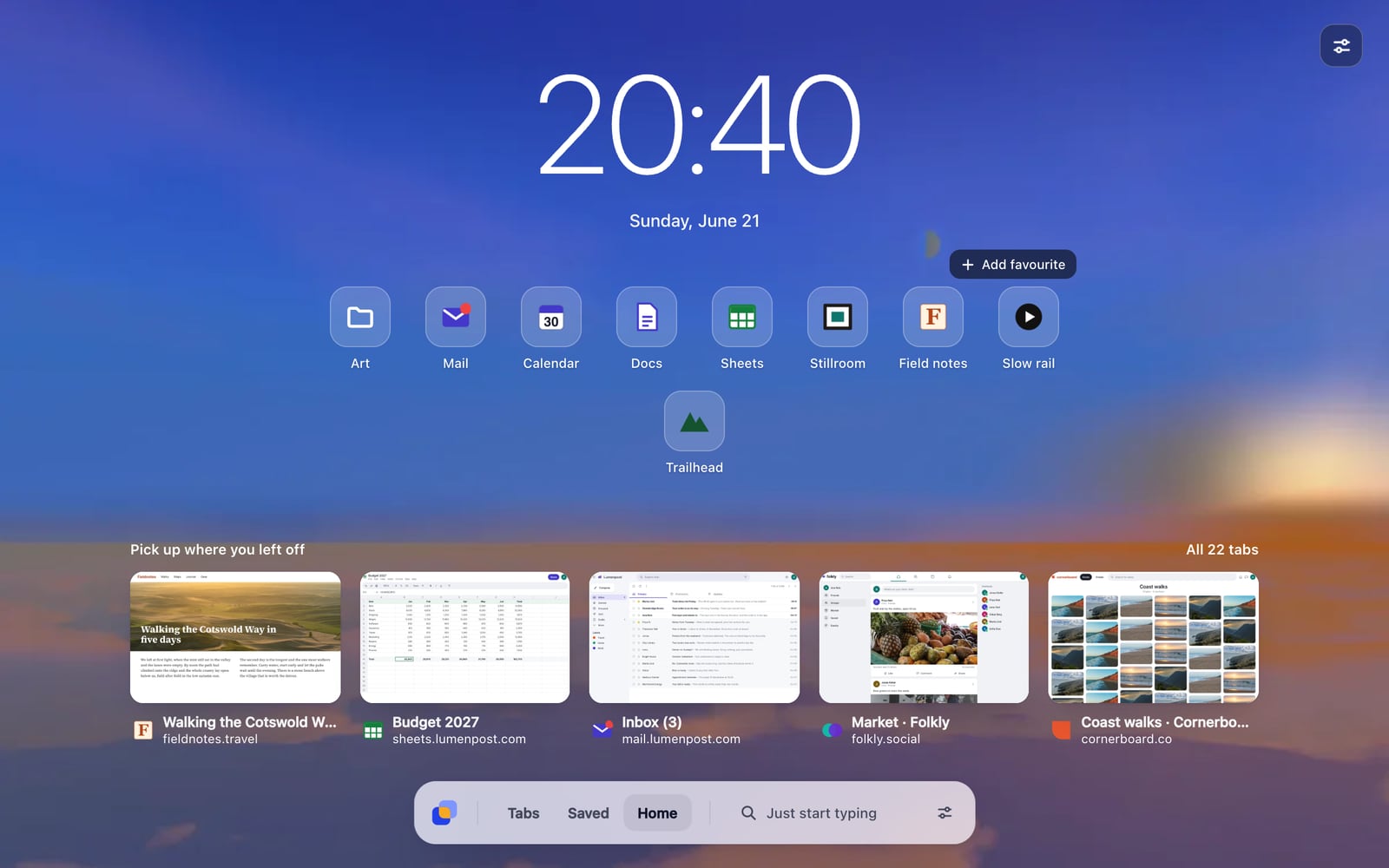


Other tools charge for these.
In TabOverview they’re free, and there’s no account to create.
- Unlimited saved tabs
- Finding and removing duplicates
- Search that includes your history
- Collapsible saved sets
- Keyboard shortcuts
- Putting tabs away for later
- Tags
- Pages that come back when you choose
- Backups of your tabs
- Suggested tab groups
- Copying tabs to the clipboard
- Saved pages on your other devices
- A library of your own photos
- Photos that change on a schedule
- Background blur
- No ads
From other tab and new tab tools’ own pricing pages and store listings, read on 1 and 2 November 2026. Plans change, and no single tool charges for all of these. Saved pages reach your other devices through Chrome Sync, if you have it on.
In your language

Also included
- Works in 20 languages: English, Spanish, German, French, Italian, Dutch, Polish, Hungarian, Portuguese (Brazil), Russian, Ukrainian, Turkish, Indonesian, Vietnamese, Thai, Hindi, Japanese, Korean, and Chinese (Simplified and Traditional)
- Light, Dark or Auto
- Tab cards you can share, with only your counts
- Tabs from your other Chrome devices, in Saved
- Open TabOverview and Save tab in Chrome’s tab menu, on Chrome 150 and later
- A private note on any saved page
- Your own shortcut, in Settings
